Release v1.6.0
Catppuccin themes, image sorting, list view improvements, and a couple of bug fixes.
📣 What’s new
Catppuccin Themes
I’ve added the Catppuccin theme family to the existing set of themes. It’s a popular, well-loved palette and it fits right in with the rest of the UI. If you’ve been using Catppuccin in your other tools, LunaFinder now matches.
Sort Your Images
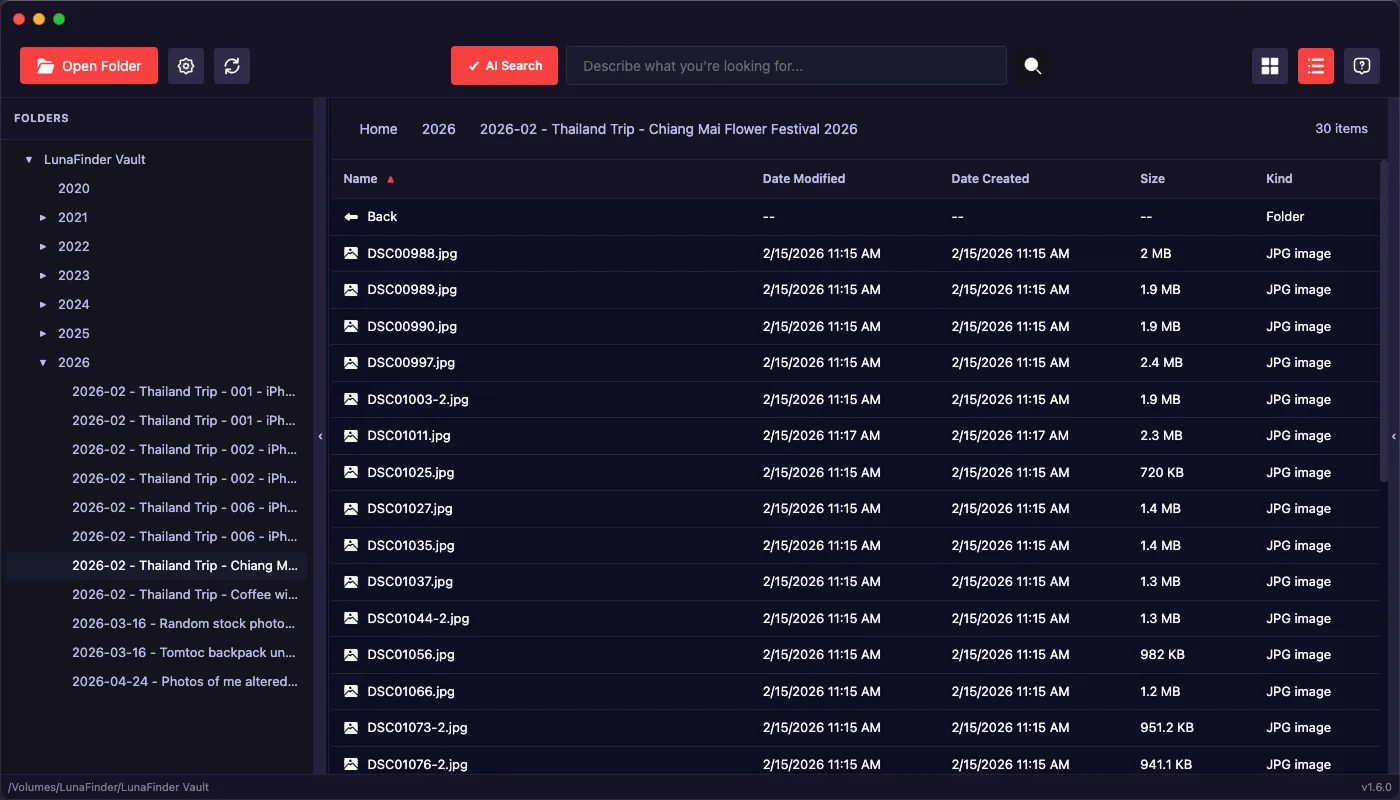
You can now sort images in list view by filename, creation date, modification date, file size, and file type. It’s a small thing, but when you’re scanning through hundreds of photos, having them in the right order saves a lot of time.
List View Gets Better
The list view got a UI pass, and you can now navigate up and down using keyboard shortcuts.
Improvements
- Added a toast notification when an image is copied to clipboard, so there’s actual feedback while the app processes larger files
- Fixed keywords input text from sidebar not showing in dark themes
- Fixed portrait images being rotated 90 degrees when copied to clipboard